Is there an issue that you are unable to resolve on your own like balance deduction or any package and service problem that you would like to communicate with a Telenor representative. Telenor provides a number of ways to reach the customer support team. The following are all the steps you need to follow so that you can contact a representative and resolve your issue.

Why You Might Need Telenor Customer Care
Users often need to contact the helpline for services like:
- Blocking a lost SIM card.
- Fixing internet (APN) settings.
- Inquiring about balance deductions.
- Converting from Prepaid to Postpaid.
- Reclaiming a blocked SIM (PUK/PIN codes).
- Fixing My Telenor App issues.
- Forgetting your mobile number.
- Package is not being activated.
Telenor Helpline Number for Mobile Users (Dial 345)
The most direct way to get help is by calling the official helpline from your Telenor SIM. The helpline is available 24/7, so you can call at any time of the day or night. However, from personal experience, calling early in the morning or late at night usually gets you connected faster because there are fewer people in the queue.
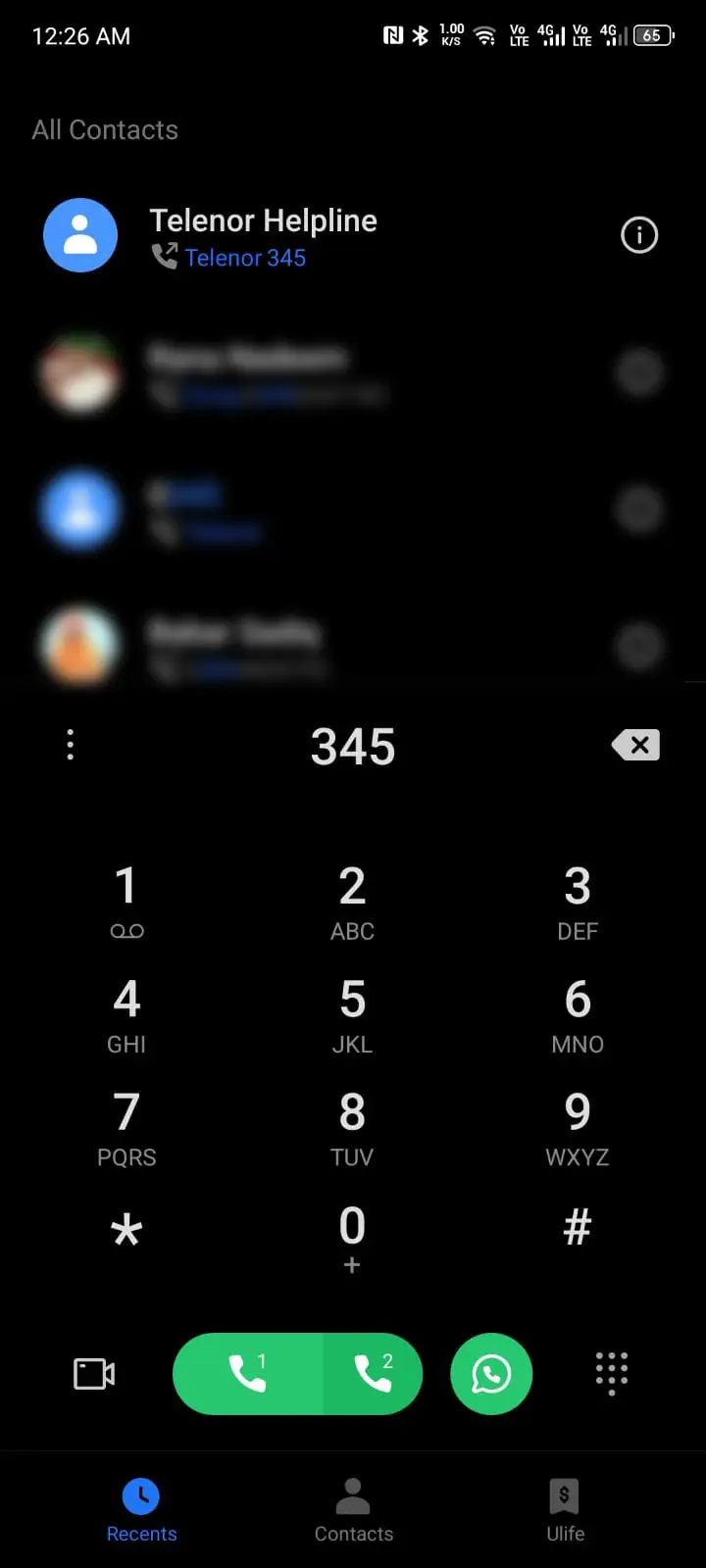
- Helpline Code: 345
- How to Talk to a Human: Dial 345, listen to the menu, and usually, pressing 0 connects you directly to a customer service representative.
How to Call Telenor Helpline from Other Networks
If your Telenor SIM is lost or not working, you can still reach them using any other network (Jazz, Zong, Ufone) or a PTCL landline. Keep your CNIC number ready before calling because the representative will ask for it to verify your identity.
- UAN Number: 042 111 345 100
- International Callers: +46 8 410 338 00
Contact Telenor Customer Support Through Live Chat
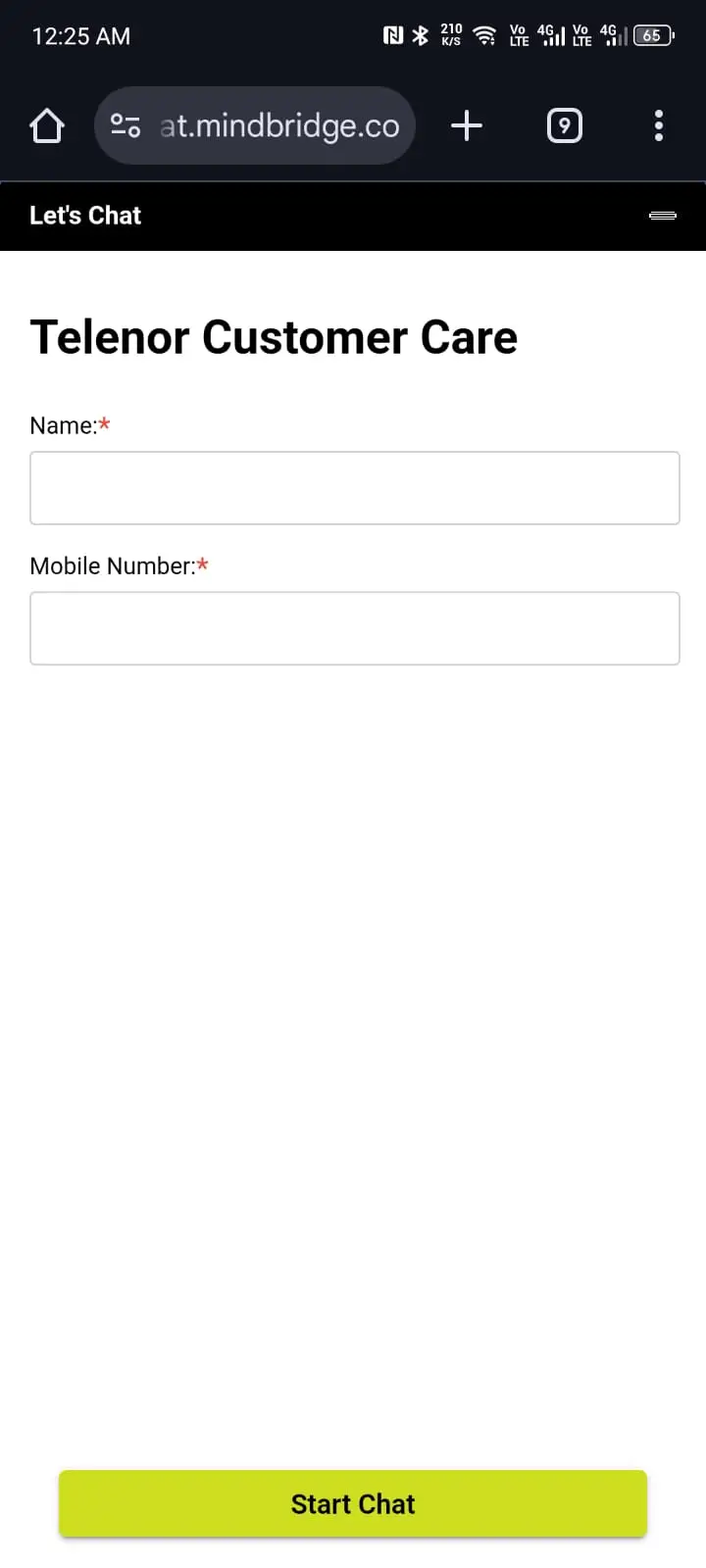
You can also reach Telenor customer support through their live chat service without making a call.
Step 1: Visit Telenor Customer Care.
Step 2: Choose a nickname of your choice.
Step 3: Enter the Telenor number from which the problem is occurring.
Step 4: Send any message like "hello" to start the conversation.
Step 5: Choose your preferred language (Roman Urdu or English).
Step 6: After that, they send you an OTP that you need to enter to verify your phone number.
Step 7: Next, wait until a representative talks with you.
Telenor 345 IVR Menu Options
When you dial 345, you will hear an automated menu in Urdu. Knowing the menu options beforehand saves a lot of time because you can skip straight to the right department instead of listening to the entire recording. Here is a breakdown of the main menu:
| Press | Option |
|---|---|
| 1 | Account information (balance, remaining resources) |
| 2 | Activate or change packages (call, SMS, internet) |
| 3 | Value added services and entertainment |
| 4 | SIM related issues (block, unblock, PUK code) |
| 0 | Talk to a customer service representative directly |
Most people just want to speak to a real person. In that case, dial 345 and immediately press 0. You might have to wait in a queue for a minute or two, but it is the fastest way to get connected to a human agent.
Common Issues You Can Solve Without Calling Telenor
Not every issue needs a call to customer care. In fact, a lot of common problems can be fixed right from your phone using USSD codes or the My Telenor App. Here are some frequent issues and how to solve them yourself:
Check Remaining Balance and Resources
Dial *444# to check your current balance. For checking remaining internet MBs, minutes, and SMS in your active package, dial *999#. This saves you a call to 345 just to ask about your account status.
Stop Unwanted Balance Deductions
One of the most common complaints is unexpected balance deductions from VAS (Value Added Services). To stop these, dial *342# and it will block all premium and paid services on your SIM. You can read our detailed guide on Telenor balance save code for more information.
Get Emergency Balance
If you have zero balance and need to make an urgent call, you can get Telenor advance balance by dialing *0#. Check our full guide on Telenor loan code to know the eligibility and charges.
Fix Mobile Internet Not Working
If your Telenor internet has stopped working, first check if you have an active data package by dialing *999#. If you do have data remaining but it still does not work, try turning airplane mode on and off, or manually set the APN to "internet" in your phone's mobile network settings.
Tip: If you have tried all self-service options and still cannot fix your issue, then call 345 and explain what steps you have already taken. This helps the representative understand the situation quickly and move toward a solution.
How to File a Complaint with Telenor
Sometimes a regular call to 345 is not enough, especially when your issue has not been resolved after multiple attempts. In such cases, you can formally file a complaint and even escalate it if needed. Here is how the complaint process works:
- Call 345 and register a complaint: Tell the representative that you want to file a formal complaint. They will register it in their system and give you a complaint reference number. Make sure you write this number down.
- Wait for resolution: Telenor usually resolves complaints within 3 to 7 working days. You will receive an SMS once the complaint is resolved.
- Follow up if not resolved: If the issue is still not fixed after a week, call 345 again and share your complaint reference number. Ask them to escalate the complaint to a senior team.
- Email for serious issues: For billing disputes, fraud, or issues that keep recurring, send a detailed email to [email protected]. Include your phone number, CNIC (last 4 digits), complaint ID, and a clear description of the problem.
Important: If your complaint remains unresolved even after escalation, you have the right to file a complaint with PTA (Pakistan Telecommunication Authority) through their website or by calling their helpline at 0800-55-055. PTA takes telecom complaints seriously and operators are required to respond within a set timeframe.
Telenor Helpline Calling Charges 2026
Before you pick up the phone, it is worth knowing what each method will cost you so there are no surprises on your balance:
- Calling 345: Rs. 2 + tax per call (for connecting to a representative).
- Through live chat Support: Completely Free.
- UAN Number: Charges depend on the calling network's standard rates.
If you want to avoid any charges altogether, the live chat option is your best bet. It works on any internet connection and you do not need Telenor balance for it at all.
Telenor Contact Methods Summary
| Method | Number / Link | Best For |
|---|---|---|
| Official Helpline | 345 | Direct Complaints |
| Headquarter Number | +46 8 410 338 00 | About any query |
| Live Chat Support | Telenor Customer Care | For any queries and complaints |
| Email Support | [email protected] | Formal Queries |
FAQs
No, calling 345 costs around Rs. 2 + tax per call. However, the live chat service is completely free.
Dial 345 and follow the instructions to "talk to representative" (usually by pressing 0).
To talk through live chat, go to Telenor Customer Care and enter your nickname and phone number, as well as the OTP sent to you by Telenor.
You can call anytime since the helpline is available 24/7, but early morning or late night calls usually have shorter wait times.
Yes, you can dial 345 even with zero balance. Alternatively, use the free live chat option which only requires an internet connection.
Call 345 from any other number or dial the UAN 042 111 345 100. Provide your CNIC number for verification and request an immediate SIM block. You can also visit the nearest Telenor franchise with your original CNIC to get a replacement SIM.
Most complaints are resolved within 3 to 7 working days. For urgent issues like complete network outage or billing errors, they may resolve it sooner. You will receive an SMS once the complaint is closed.